TeamFelsen
Scheduling
Build a clear working week, review changes and publish the schedule your employees should see.
How it connects
- Plan
- Save changes
- Review & publish
- Employee view
Workflow illustration
Inside the application
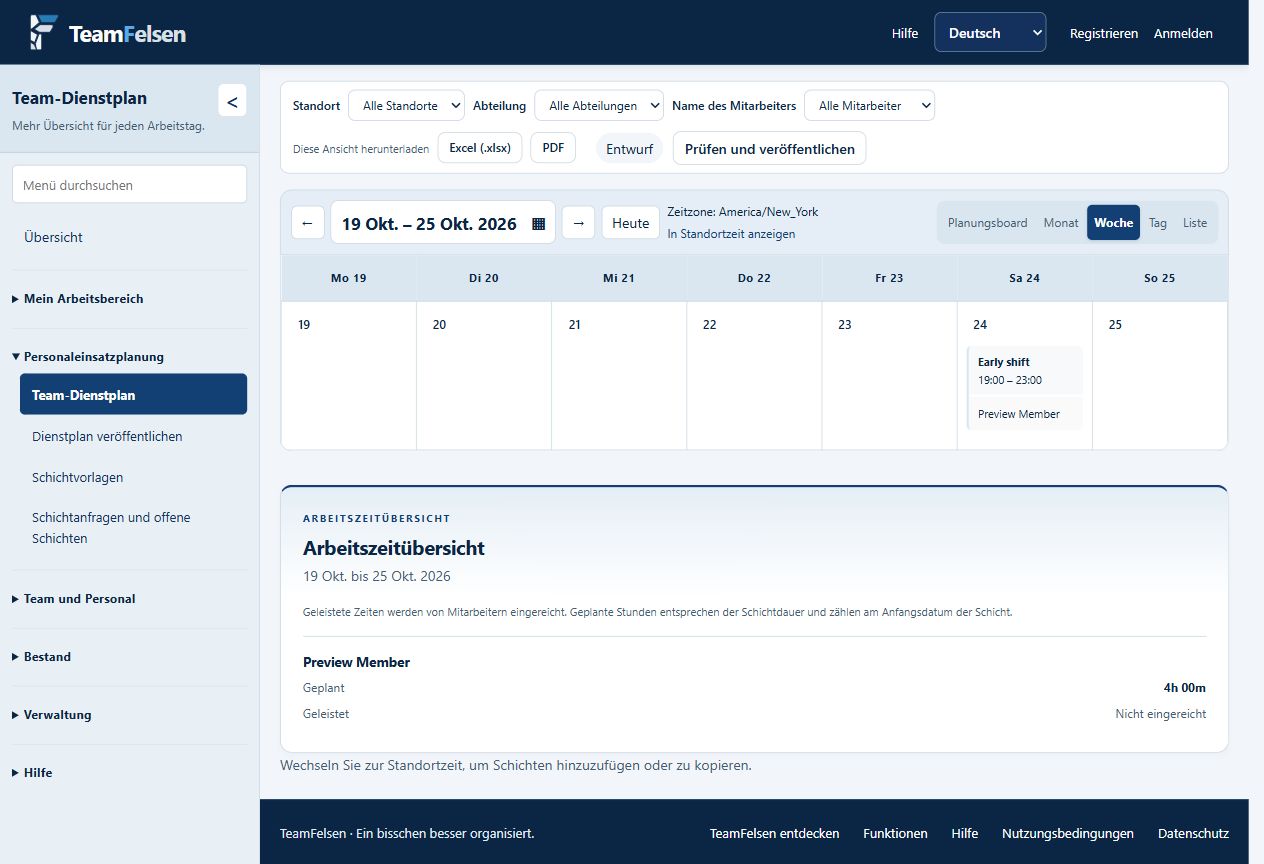
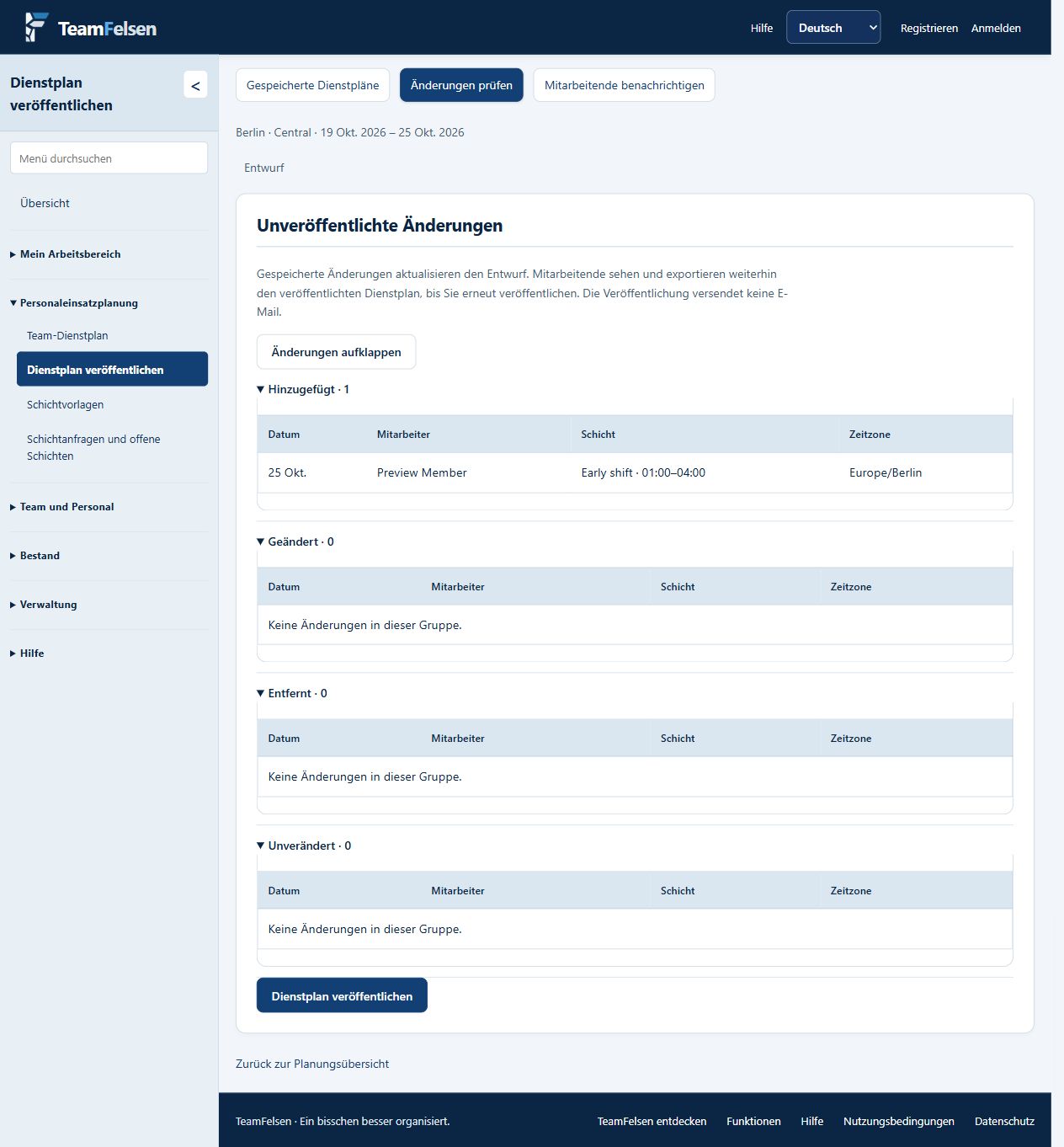
Actual application screens with fictitious demonstration data. Select a screenshot to open an enlarged preview.
One schedule, several views
Use the planning board, month, week, day or list view. Location and department filters keep the roster focused. Skills and availability support staffing decisions.
Saved does not mean published
Managers save changes as working schedule data. Review & publish compares these changes with the published schedule. Employees see published information; saving a change alone does not release it to them.
Notify when you are ready
Authorized users can manually send schedule notifications after publication. Location time zones give scheduling a consistent reference, with a personal viewing option.
See how TeamFelsen fits your team
Discuss your workflow and request a demonstration or individual offer.
Request a demo Back to overview